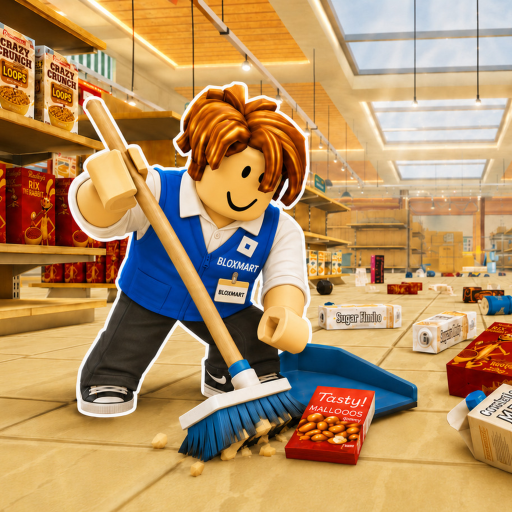
Shelf system
Read the category sign, cycle to the matching product, and click an open shelf space.
Shelf signs, sorting controls, completion progress, timer, leaderboard, and the current map-data limit.
The official Roblox page currently shows a [NEW MAP] marker, and a public place profile reports Store2 under CleanTogether, but neither publishes a full layout or map guide. The confirmed systems remain sign matching, item cycling, shelf placement, points, upgrades, completion progress, a timer, and a leaderboard.
Read the category sign, cycle to the matching product, and click an open shelf space.
Roblox currently shows a [NEW MAP] title marker, while a public place profile reports Store2 as a CleanTogether subplace. These signals do not verify exact coordinates, rewards, or a complete layout.
A run progresses toward 100% store completion; official badges add 60-minute, 120-minute, and no-abilities outcomes.
The public sources do not provide exact coordinates for all products or a maintainable store map.
No official full map was available; the [NEW MAP] marker and Store2 place profile are status signals, not a published layout.
It proves the current Roblox title includes that marker for the target place, not the map contents or rewards.
A public place profile reports Store2 as a CleanTogether subplace, but its map contents and mechanics are not verified here.
Shelf completion moves the run toward 100%.
Yes, and official badges use one- and two-hour targets.
They indicate the category that belongs on the shelf.
Return to the current systems and topic index.
Solve an unfamiliar product.
Learn the official PC inputs.
Review the current Roblox title signal.
Project the run outcome.